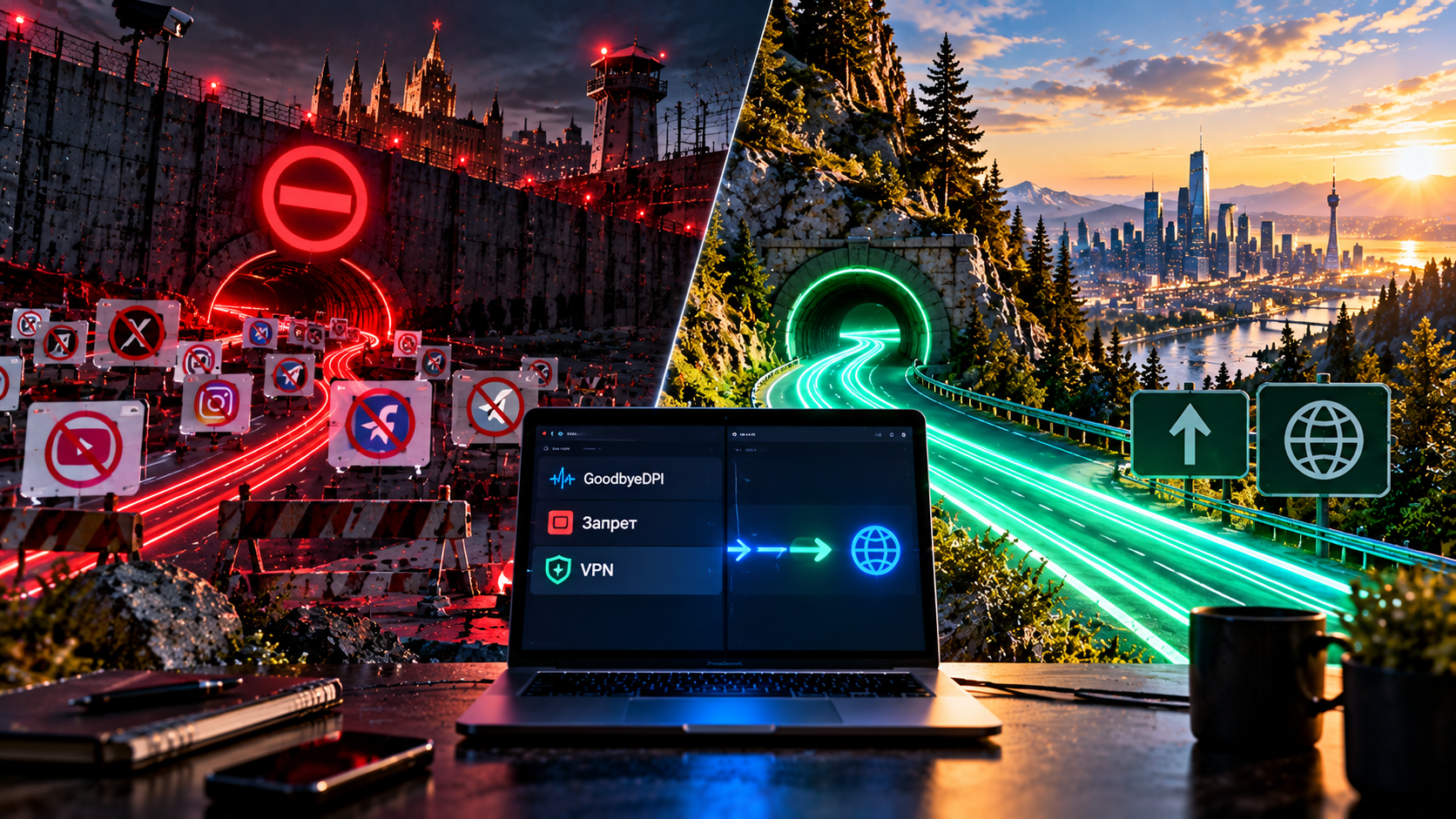
I’ll start with a confession that is the last thing you’d expect from a VPN service: local DPI bypass tools work. They really do. I keep one myself on my work machine running Windows, and for some tasks it is more than enough — and I keep it also because I’m curious how long it will last until the next filter update.
I’m not going to write articles in the spirit of “free can’t be good.” There are plenty of those already, and a person who has read three of them in a row stops believing anything at all. This conversation will be different: what a bypass tool can do, what it physically cannot do, and where the line lies beyond which it won’t help no matter how much you configure it.
And the line exists. And it doesn’t run where people usually think it does.
How it works: fragmentation and header spoofing
To understand the limits of the method, you have to understand the mechanics. They’re simpler than they seem. When you open a website over a secure connection, at the very beginning, before any encryption, your computer sends the site’s name in plain text — and it does this not out of stupidity, but because the server needs to know which of the hundreds of sites on a single address you’re asking for. Side effect: any equipment along the way can see this name. That’s exactly what filtering works on. The equipment looks for a familiar string and, upon finding it, cuts the connection.
The bypass tool sits between applications and the network card and edits outgoing packets. There are several techniques: split the first packet so the site name falls apart into pieces; change the letter case in headers; slip in an extra packet with a short time-to-live that won’t reach the server but will confuse the filter. There are quite a few combinations, and that’s what all the configuration is about. The analogy is rough, but it explains it: at the entrance stands a person with a list of forbidden words. You pronounce the needed word syllable by syllable, mixed with extraneous sounds. The interlocutor understands, the listener with the list doesn’t.
The key point, and I ask you to remember it: the traffic goes along exactly the same route as before. Nothing is encrypted, nothing is rerouted, there’s no server on the other side. Only the shape of the packets leaving your computer changes. Or rather, not even the shape, but the way they’re cut.
[Image: diagram — what a bypass tool changes (packet shape) and what a VPN changes (route and IP address)]
What they can do — and do well
The strengths, as I see them, point by point.
- Free. Forever, no subscription. For someone who needs to fix a couple of sites, that’s a decisive argument.
- No server abroad. Nothing to rent and no one to trust your traffic to.
- No speed loss. Traffic doesn’t make a detour through another country, it goes directly. Ping stays native, speed too.
- Precision. You can specify a list of domains and leave everything else alone — Russian services see you as an ordinary home user.
- Open source. The original projects are published publicly. Not a guarantee, but better than a closed program from an unknown source.
The answer to the question “how to bypass DPI for free” exists. There’s no point pretending it doesn’t, and I won’t.
What they can’t do — and won’t be able to
Now about the line. Three limitations follow from the very design of the method, and no amount of configuration will get around them — I’ve tried, acquaintances have tried, people smarter than us have tried too.
A bypass tool doesn’t encrypt traffic. What was open stays open. In a café with public Wi-Fi, your activity is just as visible as without it, and by the way, this regularly comes up in conversations: people somehow assume that since the program is “about bypassing blocks,” it also hides them.
The IP address also stays yours. You remain yourself and remain in your country. That means any service that looks at your country by address won’t let you in — just as before. A bypass tool cures a block on the provider’s side — and doesn’t cure a restriction on the service’s own side. The difference is hard to explain but costs a lot: a person installs the program, rejoices that a couple of sites work, goes to open a service that won’t let them in because of their country, and doesn’t understand why it still says “not available in your region.”
All of this lives on a single device. Installed it on your computer — it helps the computer. Phone, tablet, TV, set-top box — all of those live their own lives. The last one, in my experience, turns out to be the deciding factor most often. See the table.
| Device | Local DPI bypass | VPN |
|---|---|---|
| Windows computer | Yes, the main platform | Yes |
| Linux computer | Yes, its own builds | Yes |
| macOS | Partially, few options | Yes |
| Android phone | Separate solutions, often with limitations | Yes |
| iPhone and iPad | No, the system doesn’t allow it | Yes |
| Smart TV | No | Yes, via router or built-in client |
| TV set-top box | No, or with a lot of fiddling | Yes |
| Game console | No | Yes, via router |
| Router for the whole apartment | No | Yes, depends on the firmware |
[Image: icon matrix of device support — bypass tool vs VPN]
Hence, by the way, a direct answer to the question of whether GoodbyeDPI works on Android: in the form it exists for Windows — no. And on iOS something like this is architecturally impossible, the system doesn’t let an app climb into the network stack.
Why it works today but not tomorrow
A second systemic point: a bypass tool exploits specific flaws in the logic of filtering equipment. Not some fundamental principle, but precisely the particulars of implementation — how the hardware assembles a stream from packets and what it does with non-standard sequences.
However, these particulars get fixed. They updated the firmware — the technique stopped working. Then it’s the familiar circle: people in chat rooms pick a new set of parameters, post them, everyone updates, it works until next time. That’s why GoodbyeDPI configuration, and tuning parameters for Zapret, is not a “set it up once” thing but a periodic activity. And that’s why “Zapret isn’t working, what do I do” is the most frequent request, and there’s no universal answer to it and, I suspect, never will be. Sometimes it’s enough to change parameters for your provider. Sometimes, specifically with your operator, this technique no longer works, and all that’s left is to wait: DPI bypass in Russia looks different with different operators, and a person from the next street over can honestly tell you that everything works perfectly for them — they’re not lying, they just have a different provider.
I’m not saying this is bad. VPN is part of the same race, and we update our side no less often. The only difference is who does the tuning: with a bypass tool — you yourself, in the evening, reading a forty-page forum thread; with a service — engineers, and you at best press the subscription update button.
Some even find the former more interesting. Seriously, no irony. I was like that myself about ten years ago and spent evenings on it with pleasure.
Risks worth knowing in advance
Careful here — and I’ll say right away: the risks come not from the projects themselves, but from how they’re distributed. The original bypass tools are open projects, and you should get them from the official repository. But the interface is unfriendly, there are many parameters, and “ready-made builds” with a pretty button circulate online. Some unknown person assembled it. What’s inside — you don’t know. And the program installs a driver and gets access to the network stack.
Then follows the typical story I’ve seen more than once or twice. The antivirus flags such a build — and, generally speaking, it’s right: the program’s behavior is exactly like that of malware, only the intentions are different. The instructions say “add it to exclusions and disable protection.” The person disables it — they just want to finally open the needed site. And now unknown code with network privileges is running on their machine, with the antivirus off. I’m not moralizing, I’m just describing what happened in the end. There are also honest conflicts — with antiviruses that themselves inspect traffic. No malicious intent there, it’s just that two programs are climbing into the same place.
The rule I follow is simple. Official repository, fresh version, manual configuration per the documentation. Completely disabling protection to bypass blocks is a bad deal.
What VPN gives beyond this
I reduce the difference to three things.
Channel encryption. Your traffic can’t be read by the provider, the hotspot owner, or the neighbor in the coworking space.
A different IP address. Hence everything related to geolocation: services available not everywhere, tariffs and prices that depend on the country, services that won’t let you in from Russia.
Coverage of all devices. One account covers phone, computer, tablet, and via the router — the TV and set-top box too. It installs on iPhone, where local bypass tools are impossible.
Plus the little things: split tunneling, when banks go directly and everything else goes through the tunnel. A dedicated address, if you’re tired of captchas. Support you can write to instead of digging around on your own.
The cost is money and a slight speed loss due to the detour through another country. On modern protocols the loss is small, but it exists, and I won’t lie about “zero overhead.”
Bypass tool vs VPN: eight criteria
| Criterion | Local DPI bypass | VPN |
|---|---|---|
| Price | Free | Subscription |
| Traffic encryption | No | Yes |
| IP and country change | No | Yes |
| Device coverage | One, where it’s installed | All, including iOS and TV |
| Speed | No loss | Slight loss |
| Who fixes it after filter updates | You yourself | The service, on its side |
| Difficulty of getting started | Medium, requires fiddling with parameters | Low, install and connect |
| Working on someone else’s network and public Wi-Fi | Doesn’t protect | Protects |
[Image: summary table “DPI bypass vs VPN” across eight criteria]
So which is better, Zapret or VPN? I’ll answer, so to speak, the way support would: they solve different tasks that happen to overlap at one point.
To combine or not
People ask often, so I’ll say it straight: on the same machine at the same time — don’t. Two programs climbing into the network stack create hard-to-pin-down glitches. The connection is there, then it isn’t, speed jumps, and good luck figuring out which of the two is to blame. I once spent an hour and a half on such a case and found the culprit by simply turning them off one at a time.
But splitting across devices is a perfectly workable scheme, and I see it regularly. On the home computer, where low ping in games matters, a bypass tool is installed. On the phone, tablet, and TV — VPN, because there are no alternatives there.
Another option, by the way: a bypass tool as a backup airfield. The tunnel won’t come up for some reason, and you need access right now — turn on the bypass tool, get to the site.
Briefly, without campaigning
DPI bypass tools in 2026, in my view, are a living and working instrument. They’re free, don’t slow things down, and solve their task: removing a provider’s block on one computer. Beyond that begins what they can’t do: they don’t encrypt, don’t change the address, don’t install on iOS or a TV, and require manual fiddling after every filter update. These aren’t implementation shortcomings. These are the boundaries of the method.
If you need access only on Windows and only to a few sites — get a bypass tool and don’t spend money, honestly. If you need access on your phone, set-top box, and TV, another country, and an encrypted channel — only a tunnel. We offer 14 days free and without a card: install it alongside the bypass tool and compare on your own devices. A decision based on results is always better than a decision based on an article.
Frequently asked questions
Which is better: Zapret or VPN?
It depends on what you need, and I ask again every time. Zapret and similar bypass tools are free and don’t cut speed, but they work only on the computer where they’re installed and don’t change the IP address. VPN covers all devices, encrypts traffic, and gives you another country — for money. For a single PC and a couple of sites, a bypass tool is enough; for all the equipment in the house, you need a VPN.
Does GoodbyeDPI work on a phone?
In the Windows version — no, it’s a program for a desktop system. On Android there are separate apps with a similar principle, but those are different projects with their own limitations. On iPhone and iPad something like this is impossible in principle: the system doesn’t give apps such access to the network stack.
Does a bypass tool change the IP address?
No. It edits the shape of outgoing packets, while the route and address stay the same. That’s why services that restrict access by country won’t start working after installing a bypass tool — for that you need a tunnel with an exit in another country.
Is it safe to download such programs?
The original projects are open, and I take them only from the official repository. The dangerous ones are “ready-made builds” from forums and file-sharing sites: anything could be inside, and the program gets access to the network stack and installs a driver. And separately: instructions that require completely disabling your antivirus are a reason to be wary, not a reason to disable your antivirus.