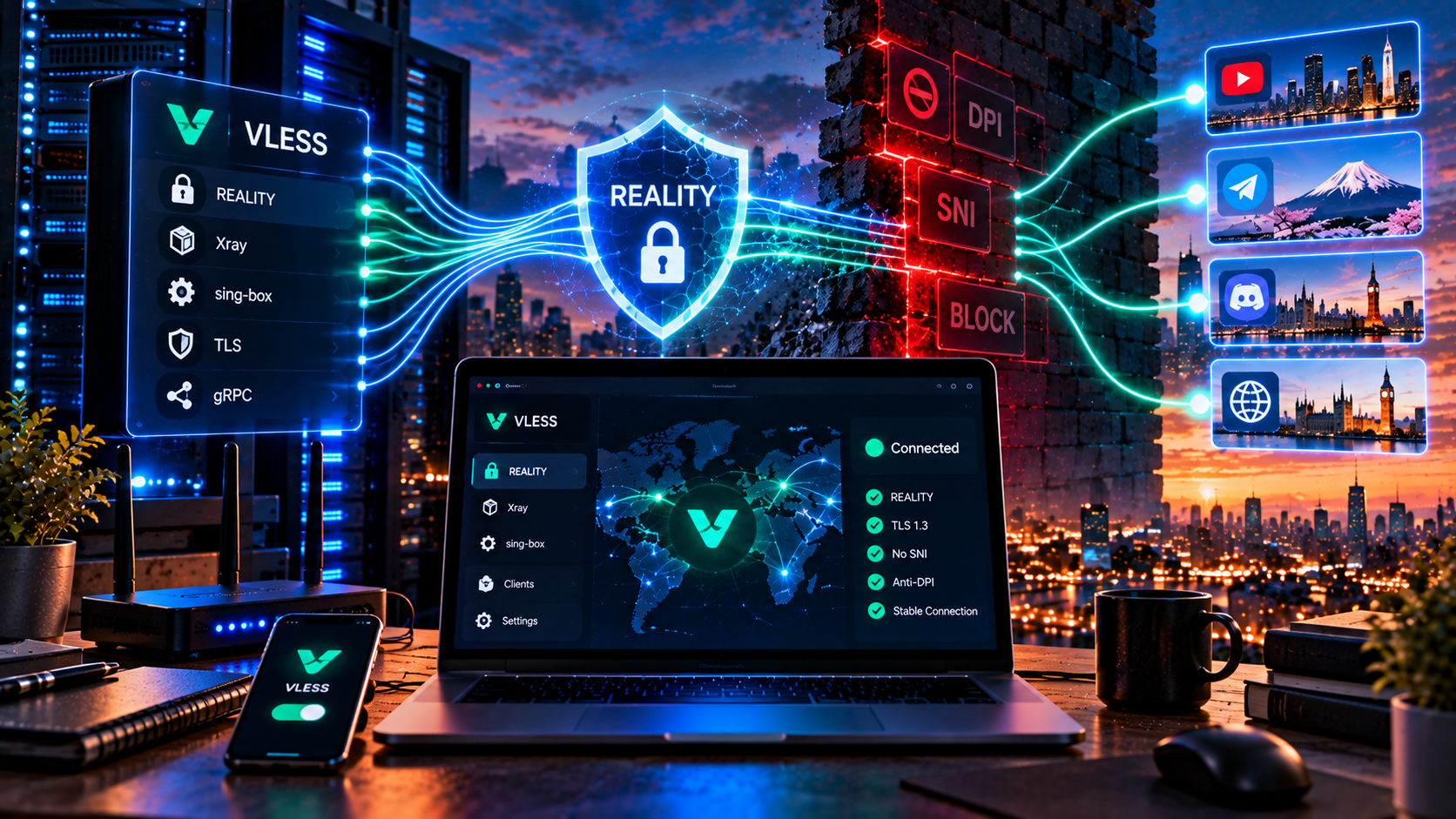
In the VLESS article I described Reality in two paragraphs: it uses someone else’s certificate, the observer sees a normal site, and it works. That is enough for an overview. It is not enough for understanding, and I realized that from the messages after that article.
The main question remained unanswered. Fine, the certificate is someone else’s. But where does the server get it, what happens when the visitor is a checker rather than a client, and why can’t you simply put any popular domain into the config and live happily ever after?
I’ll break down the mechanics in detail. It will get technical and occasionally pedantic, with some TLS fundamentals. There will be no deployment instructions. And a confession: I did not understand all of this on the first try. The key_share part clicked only after I was reading someone else’s config and finally understood why there was an eight-character fragment there.
Why a normal VPN over TLS can still be distinguished from a browser
The logic “wrap the tunnel in HTTPS and it will look exactly like a site” sounds solid: port 443, encryption, certificate. Dozens of solutions were built on this idea, and one after another they stopped being effective.
The reason is that TLS is not only encryption. Before encryption starts, the two sides have a detailed conversation, and that conversation is visible. The first message is ClientHello and it is sent in the clear. It contains surprisingly much information: supported protocol versions, the offered cipher suites and their order, supported curves, enabled extensions and their order, plus SNI — the domain name the client is trying to reach. Different libraries build this message differently. Chrome has one profile, Firefox another, Safari another. Go’s standard library, used by a huge amount of network software, has yet another profile and does not look much like a browser.
This is the TLS fingerprint: not one field, but the combined snapshot of how a client constructed its first message. Comparing these fingerprints is not new; methods such as JA3 and JA4 are well established.
A simple analogy, but I cannot think of a more accurate one: handwriting. The text is the same, the letters are the same, but the hand is different.
[Image: ClientHello packet broken down by fields — version, cipher suites, extensions and SNI, with the fingerprint-forming fields highlighted]
This is where older solutions fell apart. The connection goes to port 443 and looks like HTTPS, but its fingerprint does not match any browser people actually use. Very few people browse the web through a custom Go client. So it is probably not a browser — it is a tunnel. Add a second layer of clues: TLS inside TLS, where the browser has already encrypted the request and the tunnel encrypts it again. That creates characteristic packet sizes and timings. XTLS-Vision addresses that layer, but it does not magically erase the fingerprint of the initial handshake.
TLS fingerprinting and active probing: two different checks
It is important to separate two mechanisms that are constantly mixed together. I confused them myself for months until I drew the distinction on paper.
Passive analysis. The system sits on the traffic path and observes. It compares the fingerprint with browser profiles, evaluates packet sizes, traffic rhythm and session duration. It does nothing to the connection — it watches and accumulates evidence.
Active probing. This is fundamentally different. After suspecting a connection, the system connects to the same address and port, pretends to be a client, sends its own handshake and sometimes repeats the kind of handshake it observed. It then checks the response. It is like a mystery shopper: you can put up any sign you like, but someone walks in, asks for the product and finds out whether the shop is real.
Reality’s idea: do not imitate a site — use a real one
As far as I understand the authors’ reasoning, it was simple: if a fake is always worse than the original, stop making fakes. Let’s go step by step.
Step one. The client creates ClientHello not in its own fingerprint, but as an exact copy of a real browser’s fingerprint. The uTLS library handles this by reproducing Chrome, Firefox and Safari profiles down to extension order and GREASE values. In the config this is the fp parameter. The fingerprint is not browser-like; it is an actual browser profile.
Step two. In SNI, the client writes the domain of a third-party cover site rather than the address of your server. To an observer, the connection looks like a connection to that site.
Step three is the cleverest part. ClientHello contains the key_share extension, where the client sends an X25519 public key. Reality uses it as a container: a marker derived from the server public key (the pbk in the config) and a short sid identifier is embedded there. From the outside these are just random-looking bytes, of which every handshake contains plenty. No extra fields or packets appear.
And finally, step four. The server verifies the marker with its private key. From there, the connection branches, and that branch determines everything.
[Image: simplified Reality handshake — two branches for a legitimate client and a probe, showing what happens in each case]
If the marker is valid, it is a legitimate client. The server connects to the cover site, obtains the real certificate chain and sends it to the client, while the CertificateVerify signature is replaced with its own signature. The client, which has the pbk in its config, verifies that signature. If it matches, the other end really is our server; if not, the client closes the connection like a browser that rejected a certificate.
If the marker is missing or invalid — exactly what happens during probing or when an ordinary browser connects — the server transparently proxies the connection to the cover site, including the handshake. The checker receives the real site with a valid certificate because it really is the real site. It simply reached it through your server without knowing that.
This is also where the resilience comes from. There is little to probe: the address really serves what it is expected to serve. Think of a shop with a genuine storefront and real products. A passer-by or an inspector enters and sees a real shop; legitimate customers have a private entrance opened by a particular knock. The analogy is imperfect, but it conveys the branch.
How the cover site is chosen — and why it matters
This is one of the most underestimated parts. Guides often reduce it to “enter any popular domain.” That is bad advice; there are quite a few requirements.
Technical. The site must support TLS 1.3 — the scheme depends on it — and X25519. HTTP/2 is preferable. It should not require client certificates.
Geography. The domain should make sense relative to your server address. A server in the Netherlands using a cover site primarily served from Australia creates a strange mismatch: the name points one way, the IP address another.
Popularity. It should be a site people actually visit. A connection to a domain nobody in the target country has heard of can itself be anomalous, especially if many long-lived connections originate from the same server.
Reachability. This sounds obvious, but it is often forgotten. If the cover domain is blocked, the tunnel can fail with it even though your server itself is healthy.
Stability. The resource should not constantly move between hosting providers.
There is another point that guides rarely mention and that surprised me when I first encountered it. Do not blindly take a domain from the first GitHub guide you find. If thousands of servers use the same name, the same SNI can appear unusually often and become a statistical anomaly. Ideally the cover is chosen for the server’s location and reviewed periodically. That is part of operating the infrastructure, not a one-time setting. For a single server it is manageable manually; for a larger setup it belongs in monitoring.
What DPI ultimately sees
From the observer’s side the picture is boring — or rather, indistinguishable, which is the whole point. It sees a connection to port 443 at an unremarkable address, a ClientHello with a browser fingerprint, the SNI of a known domain and an encrypted stream. It does not see a tunnel signature in the handshake or the obvious TLS-in-TLS pattern. If it actively probes the address, it receives a working site.
| Protocol | What the analysis system sees | Probe result |
|---|---|---|
| OpenVPN | Characteristic header, identified confidently | Does not respond like a web server |
| WireGuard | UDP with a recognizable structure in the first packets | Silent or responds unusually |
| Shadowsocks | Unstructured stream; suspicious precisely because of its lack of structure | Silent to arbitrary requests |
| VMess/VLESS over ordinary TLS | Fingerprint does not match a browser | Empty placeholder or admin panel |
| VLESS + Reality | Browser fingerprint, SNI of a live domain | Real working site |
[Image: comparison diagram showing what DPI sees for OpenVPN, WireGuard, Shadowsocks and Reality]
Reality vs obfuscation and Shadowsocks
The difference is conceptual, although the three approaches are often lumped together. Shadowsocks in its basic form tried to make traffic formless: no recognizable headers, no obvious structure, just a byte stream. That worked while analyzers mainly looked for known signatures. Later they learned to examine entropy, and an unstructured stream itself became unusual. The absence of a signal became a signal.
Obfuscation was the next attempt: add noise and put something on top that resembles a legitimate protocol. It works better, but it hits the same wall: a human designed the disguise based on an imperfect idea of legitimate traffic. Somewhere the field, order or timing will be off.
Reality does not add or imitate anything: the handshake is real, the fingerprint is browser-like, the certificate is a real certificate and the site behind it is real. The difference between “very similar” and “the same thing” is qualitative, and that is the one idea worth taking away from this article.
Where Reality can fail
Now for the honest part. There are no perfect solutions, and I am not going to sell you permanent protection. I have never seen one.
Address-bound whitelists. Reality works well when filtering is based on allowed domain names: the SNI is allowed, so the connection passes. But if the system also checks whether the domain resolves to the owner’s official addresses, the scheme can fail because your server is not in the cover site’s address ranges. How widely this kind of check is used is an open question.
Behavioral statistics. The handshake can be perfect while what happens afterward looks strange. A connection that claims to be a news site but stays open for six hours and transfers tens of gigabytes can look suspicious regardless of how it started.
Address and subnet blocking. This is the bluntest and often the most effective method. If an entire hosting range is blocked, the quality of the camouflage does not matter — there is simply no route to the server. What helps is having addresses spread across different autonomous systems, which is an infrastructure problem rather than a protocol feature.
Outdated fingerprints. Browsers update and handshakes change. A client imitating a browser from a year and a half ago may stand out not because it fails to look like a browser, but because it looks like an old version preserved in a museum.
Poor cover choice. Everything said above about domain selection applies. A bad cover can undermine the entire construction.
Will Reality work a year from now? I do not know. As of autumn 2026 it works and is a strong option for environments where ordinary VPN transports are filtered. Analysis methods evolve, and eventually there will be another iteration — that has happened with every previous solution.
How to verify that you really have Reality
Three levels of checking, from lazy to useful.
Check the config. Open the profile in your client. The connection string should contain security=reality, plus pbk (the server public key), sid, fp (usually chrome) and sni with the cover domain. You will usually also see flow=xtls-rprx-vision. If you see tls instead of reality and your own domain in the config, you have a conventional TLS setup: functional, but easier to distinguish.
Check the connection. Connect and run the VPN check: the IP should change, DNS should not leak and WebRTC should not reveal the real address. The last two points are not specific to Reality, but they can undermine the whole privacy setup if they are wrong.
[Image: connection-check page with IP, DNS and WebRTC fields highlighted]
Test stability in real life. This is the only check that really matters, and synthetic tests cannot replace it. Use the connection for several days in different conditions: at home, on mobile data and on someone else’s Wi-Fi. Include evening peak hours. Check what happens when switching networks and after the phone has been idle for a while. This is where the difference between “works in a lab” and “works for me” usually appears. Test before paying: blocking circumvention can behave differently across Russian operators.
If you reduce it to one paragraph
Reality does not solve encryption — TLS solved that problem long ago. It solves the problem of indistinguishability: passive analysis and active probing should see an ordinary visit to an ordinary site. Not something that merely resembles it, but a genuine TLS endpoint with a real certificate, browser fingerprint and real response.
These things are worth checking yourself. HubHide runs on VLESS and Reality, with a 14-day free trial and no card required — test it with your own provider, during your own peak hours and on your own devices. If it does not fit, you have lost nothing. And now you know what to look for in the config.
Frequently asked questions
What is Reality in a VPN?
Reality is a mode of TLS in Xray where the server does not use its own domain and certificate. Instead, it presents the real certificate chain of a popular third-party site. Legitimate clients receive the tunnel, while other connections can be transparently proxied to that site. It is commonly used with VLESS and XTLS-Vision.
How is Reality different from obfuscation?
Obfuscation adds a masking layer to traffic — noise or an imitation of another protocol — and its quality is limited by how accurately the author models legitimate traffic. Reality does not add or imitate a protocol: the handshake is genuine, the fingerprint is browser-like and the certificate belongs to a real site.
Can Reality be detected?
The handshake itself is designed to be difficult to distinguish from a browser handshake, and probing is designed to receive a real site. Weak points are elsewhere: connection behavior statistics, a mismatch between the SNI domain and the owner’s actual addresses under strict checking, and subnet blocking, which camouflage cannot defeat.
Why does Reality work with whitelists?
When filtering allows only approved domains and relies on SNI, Reality can pass because the SNI contains the name of a legitimate allowed site. If the system additionally checks whether that name resolves to the owner’s actual addresses, the scheme can fail. There is no universal guarantee.