You are riding a commuter train, watching a video. The moment you enter a dead zone, the picture freezes, the loading wheel spins, and then the connection dies completely. At home, on the same phone and the same plan, everything was flying.
The network itself had not disappeared. I ran tests right there in the vestibule. There was bandwidth. It was just that some packets never reached you while others arrived out of order — and that was enough to make the tunnel start choking.
Let’s break down why this happens and how the two protocols most often compared on mobile networks differ: Hysteria2 and VLESS with Reality. They have different weak points, and I spent a long time trying to choose between them once and for all until I realized the question was wrong — you should not choose “which one is better,” but “which one is better here and now.”
Why mobile connections break: packet loss and jitter
Wired internet rarely loses packets. A radio link loses them constantly, and that is normal operating behavior rather than a failure: you are moving, the phone switches between cell towers, and ten people in the next carriage have started watching video at the same time. Packet loss of a few percent on a cellular network is routine, and it took me a while to stop treating it as an emergency.
Then TCP enters the picture, and this is where things get frustrating. It is designed to guarantee delivery in the correct order: one packet is lost, everything that arrived after it sits in a buffer and waits, and the application gets nothing until the gap is filled by a retransmission. Imagine a conveyor belt where boxes must arrive in numerical order: number seven falls off, and the conveyor stops even though boxes eight and nine have already arrived. TCP also sees the loss and concludes that the link is congested, so it backs off. That logic is correct for a wired network, where packet loss really can mean a bottleneck. On a radio link it is harmful: the packet was lost because of interference, but TCP does not know that.
The second problem is jitter, meaning variation in delivery time. One packet arrives in forty milliseconds, the next in two hundred, the third in forty again. The average ping can still look perfectly respectable, and benchmarks may look normal. In practice, voice starts breaking up, a character teleports around in a game, and video stutters. I admit I spent a long time believing jitter mattered less than link capacity and measured speed when I should have been measuring consistency. For video and gaming, stable latency matters more than raw bandwidth. That is worth remembering.
[Image: speed graph at 0, 2, and 5 percent packet loss for TCP and QUIC]
Hysteria2: QUIC over UDP and its own congestion-control logic
As of 2026, Hysteria2 is built on QUIC, and QUIC runs over UDP. That changes the rules in several places at once.
First, a lost packet no longer blocks the entire queue: QUIC separates the stream into independent pieces, so a failure in one does not stop the others. The conveyor does not stop: box number seven keeps moving separately.
Second, recovery after a loss is faster: QUIC’s acknowledgment mechanism can distinguish more precisely what was actually lost.
Third — and this is a Hysteria2 feature rather than a property of the transport itself — it uses non-standard congestion control. Ordinary algorithms politely probe the link’s ceiling and back off at the first sign of trouble, while Hysteria2 works differently: you explicitly tell it what rate to consider its target, and the protocol maintains it instead of backing off after every loss. On a poor link this works remarkably well, and I have to give it credit. Where a TCP tunnel drops to the point where you might as well turn it off, Hysteria2 keeps pulling.
The downside is predictable, though: a protocol that refuses to back off can behave selfishly on a shared network. Set the bandwidth above what the link can actually sustain and you do not get magical speed — you get a pile of retransmissions and a saturated connection. I did exactly that the first time, of course. I entered a nice-looking number with some headroom, watched the result, then entered an honest one. It immediately got better.
There are two more things built in: obfuscation so the traffic does not look like raw QUIC, and on-the-fly port switching.
VLESS + Reality: relying on TCP and betting on being inconspicuous
A completely different philosophy. I would even call it the opposite one.
VLESS with Reality is not trying to squeeze maximum performance out of a poor link at all — its job is to remain inconspicuous, and everything else follows from that. The connection uses TCP on port 443 and looks externally like an ordinary visit to a popular website: a real TLS handshake, someone else’s certificate, and a real resource behind it that can answer a probe. On a good link this works extremely well. On a bad one, all the old weaknesses of TCP show up.
You can and should mitigate them: XTLS-Vision removes an unnecessary encryption layer, while careful MTU selection reduces fragmentation. But the nature of TCP does not disappear no matter how much you soften it. The details are covered in the VLESS article.
Reality does have one major advantage: it works where UDP does not pass at all. And that, so to speak, outweighs a lot.
Speed versus inconspicuousness: why you cannot maximize both
There is a pattern that, in my experience, is useful to understand before choosing a protocol.
The more aggressively a protocol uses the link, the more noticeable it becomes in traffic: a dense UDP stream on a non-standard port that does not react to packet loss like everything else around it is statistically distinctive behavior. Not a signature and not the content. The manner.
And the opposite is also true: if you want to look like HTTPS, behave like HTTPS — which means running over TCP with all its drawbacks.
You cannot take both extremes at once. You can choose what matters more to you right now, and I do not know a way around that trade-off.
Where UDP gets restricted and why Hysteria2 sometimes fails to connect
The most common reason Hysteria2 does not connect is simple: UDP just does not reach the server.
Operators tend to treat UDP cautiously, and as far as I understand, the reasons are technical: it is more expensive to keep in NAT and harder to account for. As a result, some networks restrict UDP on non-standard ports, block it outright, or deprioritize it. The symptoms vary. The connection may not establish at all. Or it may come up, work for exactly a minute, and quietly die. Or — my favorite, and the most annoying — it works but delivers laughable speed despite an excellent signal, leaving the user convinced they were sold a slow VPN when the real issue is operator-side prioritization.
What to do. Check whether the TCP profile connects: if it does while the UDP profile does not, the diagnosis is almost ready. Try another port or enable port hopping if the client supports it. Switch to another carrier if you have a second SIM. And keep a TCP profile ready for places where UDP is dead. More details are on the VPN for mobile internet page.
Comparison: where each one has an advantage
| Parameter | Hysteria2 | VLESS + Reality |
|---|---|---|
| Transport | QUIC over UDP | TCP, port 443 |
| With 2–5% packet loss | Stays usable, speed drops slightly | Degrades noticeably |
| Jitter and latency stability | Smoother, better for voice and gaming | Depends on link quality |
| Speed on a good link | Very high | High |
| Inconspicuousness to DPI | Medium, depends on obfuscation | Very high |
| If the carrier restricts UDP | Fails to connect or degrades | Works, no UDP required |
| Behavior behind strict NAT | Can be problematic | Usually no issues |
| Client support | Available in universal clients | Available almost everywhere |
| Battery consumption | Higher under heavy traffic | Moderate |
| Setup | Requires specifying the actual bandwidth | Import the subscription and you are done |
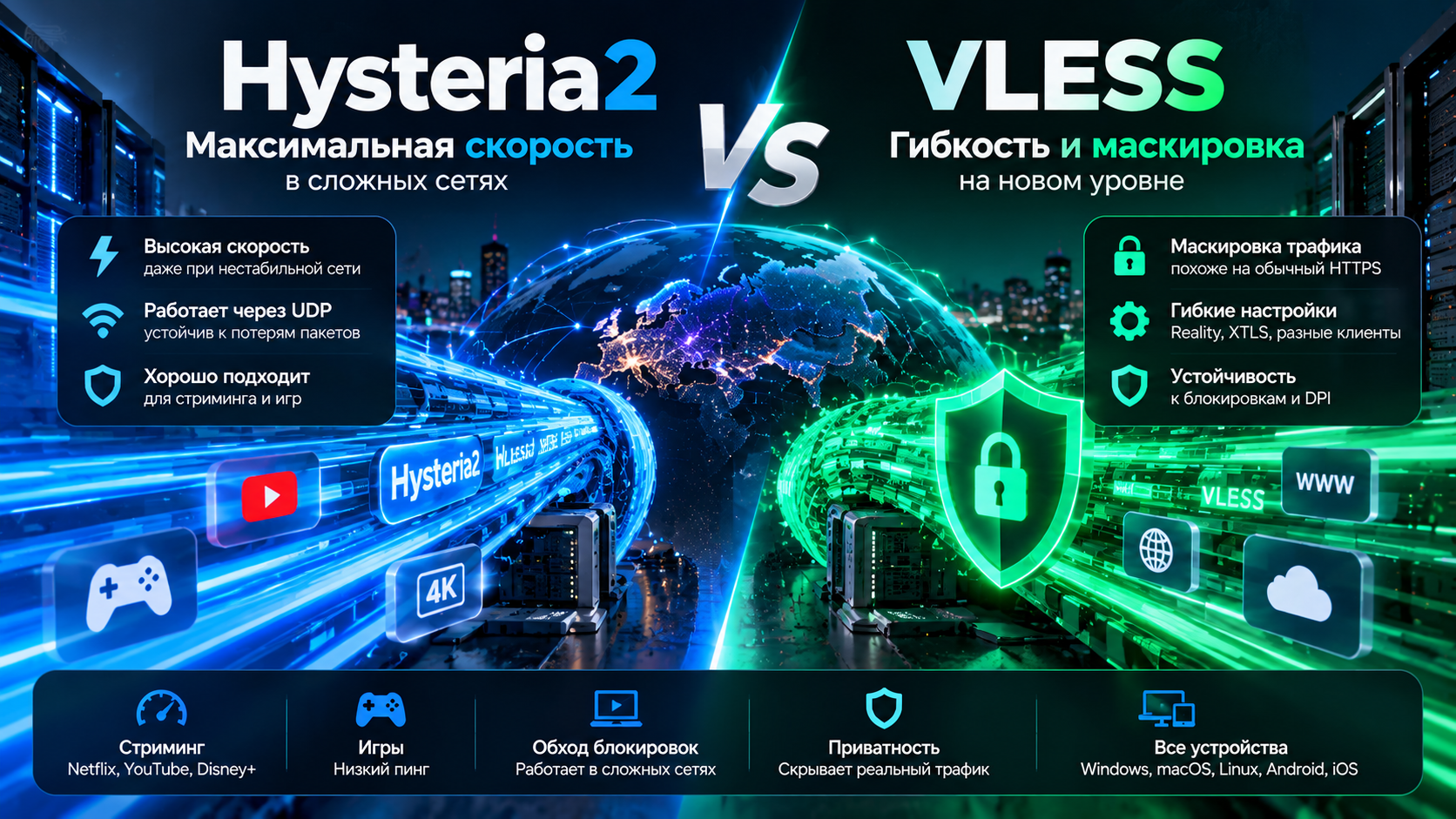
If I had to put it very briefly, Hysteria2 is about getting the most out of a poor link, while VLESS with Reality is about making sure you have a link at all. That seems like the most accurate way to put it.
Scenarios: home, travel, trains, TV, gaming
At home on a wired connection. The difference between the protocols is barely noticeable: the link is clean and there is little to lose. Use whichever one connects more reliably through your ISP. In my experience, that is usually Reality.
Mobile internet in the city. This is where Hysteria2 shines — if the carrier allows UDP. If it does not, TCP remains, and there is not much to discuss.
Train, highway, subway. These are the worst possible conditions: constant tower changes, dead zones, and latency spikes. QUIC has a noticeable advantage here; I tested it on the same route about ten times. But travel is exactly where you are most likely to run into carrier restrictions, so keep both profiles.
TV and streaming. Video can tolerate jitter because of buffering, and what it needs is a steady stream, so both options work. If the picture keeps breaking up, try the UDP profile. See the separate VPN for streaming services guide.
Gaming. Jitter matters more than speed, and QUIC is usually smoother. But if the carrier is restricting UDP, you can get the opposite result, and the boring TCP option may prove more predictable. This can only really be tested in practice — see the VPN for gaming page.
[Image: scenario → recommended protocol matrix]
How to switch profiles in the client
It sounds more complicated than it is. In any decent client it takes two or three taps, and I am still surprised by how many people do not know this.
- Open the app and refresh the subscription — use the button with the arrows next to the server list.
- The list will show nodes labeled by protocol. Choose the one you need.
- Disconnect and reconnect; some clients do this automatically.
- Run the connection check — the address should change and there should be no DNS leaks.
My advice to everyone: do not switch protocols at random every five minutes. Let a profile run for at least half an hour in real conditions — on the road, not while sitting at home on the couch — because some problems only appear under load and during tower changes. And do not blindly rely on automatic node selection by latency: the client measures ping at the moment of the check, not stability over ten minutes. A node with 60 ms ping and consistent delivery is better than one with 40 ms ping and half a second of jitter. That is also why the “closest server” is not always the most convenient one.
[Image: screenshots showing profile switching in popular clients]
Instructions for specific apps — Hiddify, v2RayTun, and the rest — are collected in the clients section.
What this means
So, going back to the beginning. Hysteria2 is stronger where the link is falling apart: packet loss, jitter, movement, weak signal. QUIC handles this noticeably better than TCP, and that is a property of the transport, not marketing.
VLESS with Reality is stronger where the link is being filtered. It works when UDP is simply not allowed out of the network and remains inconspicuous to traffic-analysis systems.
The right answer to the question “which protocol for mobile internet?” is not one protocol but two, between which you switch depending on the situation. It sounds lazy, I know. But over the past couple of years nobody has come up with anything better, and I have been paying attention.
With HubHide, you can switch protocols within the same plan: there is no need to buy a second access just to have an alternative. The trial lasts 14 days and requires no card — take it on a train or a highway and you will understand it faster than from speed tests. If a profile stubbornly refuses to connect, contact support and mention your carrier: it is a common issue and usually gets resolved quickly.
Frequently asked questions
What is Hysteria2?
A QUIC-based protocol that runs over UDP and is designed for lossy links. Its main features are non-standard congestion control that does not reduce the rate after every packet loss, built-in obfuscation, and the ability to hop between ports. On a poor mobile network, it can deliver noticeably more speed than TCP tunnels.
Which is faster: Hysteria2 or VLESS?
On a clean link, the difference is small because both will eventually hit the limits of your connection. On a lossy link, Hysteria2 is usually noticeably faster thanks to QUIC. But if the carrier restricts or deprioritizes UDP, the situation flips: Hysteria2 may fail to connect at all while VLESS keeps working normally. So the faster one is the one that actually works in your conditions.
Why does Hysteria2 fail to connect?
Most often, UDP is not reaching the server — it is being restricted by the carrier or blocked on non-standard ports. Try another port or enable port hopping, check whether the TCP profile connects to the same node, compare behavior with another SIM or over Wi-Fi. If TCP works while UDP does not, the cause is almost certainly the network rather than your configuration.
Which protocol is better for a phone?
If your carrier allows UDP and you move around a lot, Hysteria2 keeps the connection smoother during packet loss and tower changes. If the connection fails to come up or lasts only a minute, use VLESS with Reality over TCP. In my experience, the ideal setup is to keep both profiles in the client and switch as soon as the current one starts acting up.