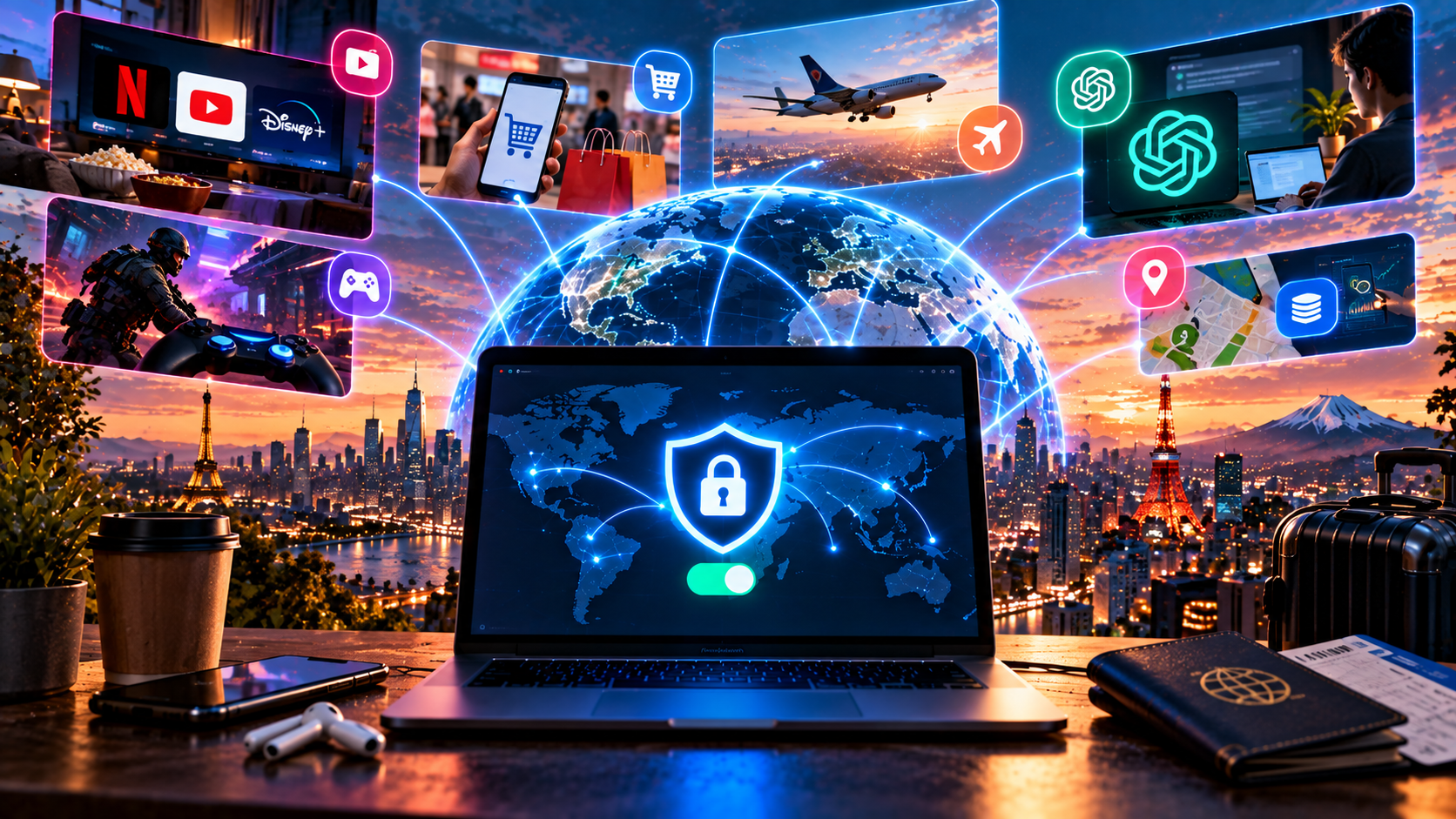
VPN myths come from two directions: some people describe a VPN as a magic invisibility cloak, while others call it a toy for paranoid people.
Both sides are wrong, unsurprisingly. And the first one is wrong more often, because it benefits from the story.
Here are seven misconceptions I regularly hear in 2026 — and heard back in 2020. Several are a direct result of VPN advertising, meaning my own industry, so breaking them down is, to put it mildly, less comfortable for me. But the truth about VPNs is cheaper than deception. The audience here is smart, and dishonesty in security costs more than a lost sale.
[Image: set of “Myth / Reality” cards covering the seven misconceptions]
Myth 1: “A VPN makes you anonymous”
This is the most persistent and most harmful myth. Persistent because advertising has repeated it for years, including, honestly, advertising from people who pay my salary. Harmful because people rely on it where mistakes are expensive.
Why people think this. The logic looks convincing on the surface: your address is hidden, traffic is encrypted, therefore you can’t be found. Advertising happily reinforced this with pictures of people in hoodies, and I still run into banners like that even though, apparently, the point has been explained two hundred times.
What actually happens. Your address is hidden. Your identity is not.
Look at what remains visible when the tunnel is active. You’re logged in to email, social media, or a marketplace, and the account knows who you are. Cookies from previous visits remain in the browser and continue to recognize you. More importantly, there’s browser fingerprinting: fonts, OS version, screen resolution, extensions, graphics-rendering characteristics, and a combination rare enough to distinguish you from most visitors without looking at the IP at all. I once ran four of my own devices through such a test, and three turned out to be unique in a sample of several million. Accounts, cookies, and fingerprints break anonymity. Not the IP. The IP is the simplest link in the chain and, by coincidence, the only one the tunnel actually hides.
Bottom line. A good analogy is tinted windows: you can’t see who’s driving, but the make, color, and license plate are still there. If you need anonymity rather than private transport, you need different tools and different discipline.
Myth 2: “With a VPN, you can do anything”
Why people think this. If nobody can see me, the rules don’t apply to me. Childish logic, but I think it mostly appears among adults.
What actually happens. The boundaries are still there, and there are two kinds. The technical one is simpler: services can detect VPN traffic, and banks, government portals, and marketplaces often restrict access from foreign IP addresses. They aren’t hacking you; they’re simply denying access under their own rules. The legal side is more nuanced. Laws can distinguish between using circumvention tools and distributing them, and encryption itself is no different in principle from what your banking app does, but access to prohibited information remains prohibited: a tunnel doesn’t turn something unlawful into something lawful; it changes the route. I’ll stop there, though: this is not legal advice. For legal wording, consult a lawyer.
Bottom line. A traffic-delivery tool doesn’t change platform rules or laws. It changes the path packets take.
Myth 3: “A VPN always slows down the internet”
Why people think this. Because it often does: an extra hop, a longer route, lower speed — especially with free services where a crowd shares one server.
What actually happens. Slower speed is common, but it’s not a law of nature, and the opposite can happen. First, an ISP may route traffic badly, sending packets on a detour through a congested exchange point or even another country and back. A tunnel through a well-connected server can provide a shorter route and higher speed. Second, and more interestingly, an ISP may deliberately throttle a specific service: video hosting is slow while everything else flies. That’s not generic network slowness; it’s selective throttling. Once the traffic is no longer recognized as “that service”, the restriction may stop applying. I’ve seen video load several times faster through a tunnel than directly — not because the tunnel has magical properties, but because the direct connection was being throttled.
Bottom line. On a good connection without filtering, a tunnel may cost you a few percent of speed. On a poor or specifically throttled connection, it can produce a real improvement. Measure it — the test takes a minute.
Myth 4: “A free VPN is just as good as a paid one”
Why people think this. It works. It opens websites. What’s the catch?
What actually happens. The catch is economics, and it’s not even hidden — it’s just easy to overlook. Servers cost money, bandwidth costs money, traffic costs money, and support and replacement of blocked addresses require salaries. If you don’t pay, the money comes from somewhere else. There aren’t many options: advertising, selling anonymized behavioral data, trackers, ad replacement, and in bad cases using your device as a transit node, meaning someone you don’t know uses your home IP to access the internet. And remember: a free service can see all of your traffic, while it has little reputational or financial incentive to protect your trust. It has little to lose.
Bottom line. Free exists. Free with solid privacy is almost nonexistent. If a service doesn’t charge you, find out how it makes money. If you can’t find the answer, you haven’t looked hard enough.
Myth 5: “I have nothing to hide, so I don’t need a VPN”
Why people think this. The word “hide” sounds connected to something illegal: if I’m law-abiding, why would I need to hide?
What actually happens. It’s not about “hiding”; it’s about “not showing everything to the first person who asks”, and the difference is roughly the difference between a secret and a closed bathroom door. You connect to an open network in a café and someone else controls the router. You access your bank from a hotel abroad. You use email from an untrusted network. Or you simply don’t want a profile of your interests collected and resold — which, by the way, needs no justification. Then there’s the practical side: access to services that stopped working. That’s not about secrecy; it’s about functionality.
Bottom line. “I have nothing to hide” stops being a useful argument the moment you leave your home network — and even faster when something you need stops working.
Myth 6: “Incognito mode replaces a VPN”
This is the most common myth and the easiest one to disprove.
Why people think this. The word “incognito” sounds promising, and the browser honestly tells you what the mode does when you open the window. But almost nobody reads that notice, and, honestly, I ignored it for years too.
What actually happens. Private browsing doesn’t hide your IP address or encrypt traffic. It does one thing: it doesn’t retain browsing history, cookies, and form data on the device after the window closes. In other words, it protects you from the next person who sits at your computer. That’s it. Your ISP sees the same requests as before. The website sees your real IP. Your employer on a corporate network sees the same things it saw yesterday. Incognito mode is cleaning your desk, not putting curtains over the windows.
[Image: comparison diagram showing what incognito mode and a VPN hide at the device, ISP, and website layers]
Bottom line. These are tools for different tasks. Incognito is about local traces. A tunnel is about what leaves your device.
Myth 7: “All VPNs are the same; the only difference is price”
Why people think this. From the outside they all look the same: a button, a list of countries, a green checkmark, and website promises that are almost word-for-word identical.
What actually happens. The differences are in places users don’t normally look, and they determine whether the service will still work a month from now. The protocol matters: PPTP and L2TP are easy to identify and are not secure by themselves; WireGuard is fast but also easy to detect; modern transports that resemble ordinary HTTPS survive where older approaches have already failed. That’s not a marketing difference — it’s the difference between “works” and “doesn’t work”. Then there’s infrastructure: how many addresses are available, how widely they’re distributed across autonomous systems, and how quickly replacements arrive when another range is blocked. A service with one hoster and a service spread across ten providers are different services even if the button looks identical. And logs, of course. It’s hard to verify whether a provider is honest about them, but reading the privacy policy and checking whether it says anything concrete is the minimum you can do.
Bottom line. Price is the last criterion to look at. The first three are the protocol, the infrastructure, and the logging policy.
What a VPN actually gives you: the honest list
Without exaggerating in either direction, here’s what you get — and what you don’t.
| What it does | What it doesn’t do |
|---|---|
| Hides your real IP from the websites you visit | Doesn’t make you anonymous: accounts, cookies, and fingerprints remain |
| Encrypts traffic between your device and the VPN server | Doesn’t protect you from phishing or malicious files |
| Hides the specific sites you open from your ISP and local Wi-Fi operator | Doesn’t hide the fact that you’re using a tunnel from someone capable of detecting it |
| Opens services unavailable in your region | Doesn’t override platform rules or laws |
| Can bypass selective throttling of specific services | Doesn’t increase the capacity of your home internet connection |
| Provides secure access to work and home networks | Doesn’t protect you from someone who already controls your device |
| Lets you view websites and search results as a user in another country | Doesn’t guarantee savings on tickets or subscriptions |
[Image: infographic showing VPN capabilities and limitations]
In short: the tunnel handles the channel and access. Everything else remains your responsibility.
What to do next
Here’s a simple exercise that’s more sobering than any article. Don’t guess what others can see about you — check it.
Check what is visible about you right now: your IP address, the location you’re apparently connecting from, whether DNS leaks outside the tunnel, and whether your real address is exposed through WebRTC. It takes half a minute and works regardless of which provider you use. You can also check your IP reputation — if CAPTCHAs keep appearing, that may well be the reason.
After that, decide for yourself. But decide based on what you actually observed, not on what an advertisement says. Including ours.
Frequently asked questions
Does a VPN make you anonymous?
No. It hides your IP address from websites and the contents of your traffic from your ISP, but accounts, cookies, and browser fingerprints can still identify you. “Does a VPN make you anonymous?” is the myth that can cost believers the most. Channel privacy and personal anonymity are different things.
Is incognito mode a VPN?
Not at all. Incognito mode doesn’t hide your IP or encrypt traffic; it only avoids saving history and cookies on your device after the window closes. Your ISP and websites see essentially the same information as in a normal session.
Does a VPN always slow down the internet?
Not always. Speed usually drops a little because of the extra routing hop, but if your ISP routes traffic poorly or deliberately limits a specific service, a tunnel can be noticeably faster. Test it before and after.
Are all VPNs the same?
The differences can be critical: protocol and resistance to traffic analysis, the size and distribution of the IP pool, how quickly blocked nodes are replaced, and the logging policy. From the outside they look the same — a button and a country list. They can perform very differently.
<script type="application/ld+json">
{
  "@context": "https://schema.org",
  "@type": "FAQPage",
  "mainEntity": [
    { "@type": "Question", "name": "Does a VPN make you anonymous?", "acceptedAnswer": { "@type": "Answer", "text": "[answer from the article]" } },
    { "@type": "Question", "name": "Is incognito mode a VPN?", "acceptedAnswer": { "@type": "Answer", "text": "[answer from the article]" } },
    { "@type": "Question", "name": "Does a VPN always slow down the internet?", "acceptedAnswer": { "@type": "Answer", "text": "[answer from the article]" } },
    { "@type": "Question", "name": "Are all VPNs the same?", "acceptedAnswer": { "@type": "Answer", "text": "[answer from the article]" } }
  ]
}
</script>