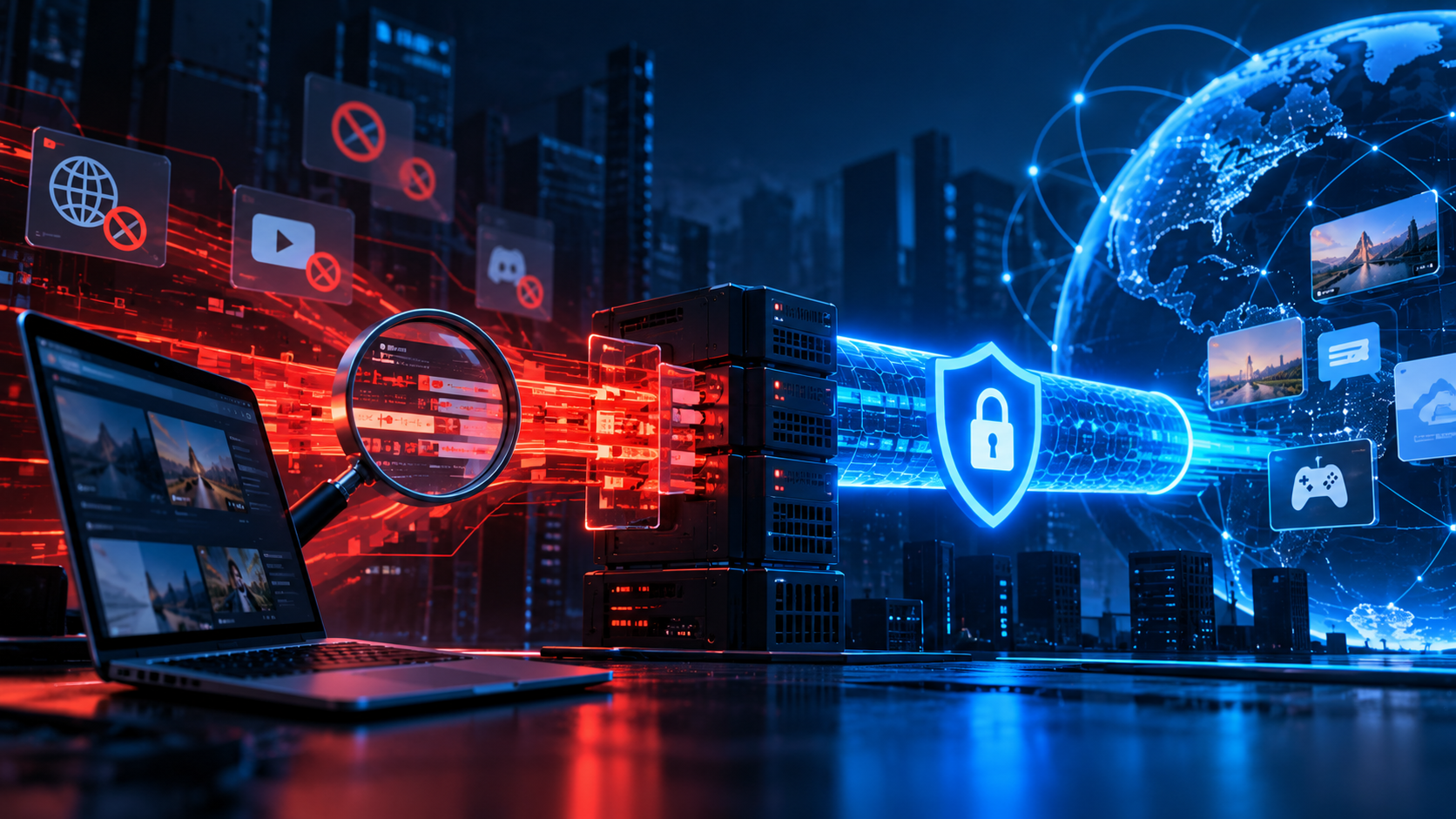
“It worked yesterday, but not today.” “The same service works for a friend, but not for me.” “Can the provider actually read my traffic?” These questions have the same starting point: equipment placed between a user and the wider internet can observe traffic characteristics and apply rules to them.
This article explains the mechanics rather than providing a bypass recipe: what DPI can see, what TSPU refers to, why a VPN can suddenly stop connecting, and why some protocols survive filtering longer than others.
DPI: how deep inspection differs from IP and DNS filtering
Traffic can be filtered at several levels. IP filtering is the simplest: traffic to a listed address is blocked. DNS filtering interferes with name resolution. DPI can inspect characteristics of packets and flows to make more detailed decisions.
DPI does not necessarily mean that an operator reads the contents of encrypted HTTPS or VPN traffic. Even encrypted connections expose metadata and protocol characteristics that can be used for classification.
What can identify a VPN connection?
Several signals can be combined:
- Known IP ranges associated with hosting providers or VPN services.
- Protocol signatures and recognizable packet patterns.
- TLS fingerprints that describe characteristics of a TLS handshake.
- SNI and other connection metadata where they are visible on the network path.
- Active probing, where a filtering system tests a suspected endpoint to learn how it behaves.
No single signal is perfect. Classification systems can combine several weak signals instead.
What is TSPU?
TSPU is commonly used to refer to technical means of countering threats to information infrastructure. In practical discussions about internet restrictions, the term is associated with network equipment capable of filtering and managing traffic at provider level.
The important point for a user is not the label on the equipment. It is that filtering can happen in the provider network, outside your own device, so changing a browser setting does not necessarily solve the problem.
Why one VPN protocol fails while another keeps working
Protocols have different traffic patterns and different amounts of metadata available for classification. A protocol that is easy to recognize can be disrupted without affecting unrelated traffic. A transport that blends into common encrypted traffic can be harder to classify.
That does not mean a particular protocol is permanently “unblockable”. Filtering systems and network conditions change, so compatibility is always a moving target.
[Image: simplified diagram showing user → provider DPI/TSPU → internet and classification points]
What a VPN failure actually looks like
- Connection never starts: the initial handshake is being blocked or the endpoint is unreachable.
- Connection starts and immediately dies: the flow is detected after the first packets.
- Connection works but is extremely slow: traffic may be degraded rather than completely blocked.
- Only some networks fail: filtering or routing differs between providers and regions.
Can the provider see what you are doing?
Encryption protects the contents of properly encrypted traffic from ordinary inspection, but it does not make the connection invisible. Depending on the protocol and network, observers can still see metadata such as destination information, timing, packet sizes and connection characteristics.
Why older VPN protocols can be problematic
Protocols with distinctive or outdated handshakes can be easier to classify. OpenVPN and WireGuard can still work where filtering is less aggressive, but their traffic characteristics are not identical to ordinary web browsing. Older IKEv2 and L2TP deployments may also be unsuitable in environments where protocol-level filtering is common.
What to do when a VPN stops connecting
First check whether the endpoint is reachable from another network. Then compare another server and another protocol. If only one provider or one access network fails, the difference is valuable diagnostic information.
Do not assume that reinstalling the application will solve a network-level block. If the filtering happens upstream, the same application can fail again immediately.
In short
DPI can classify traffic using more than its destination IP. Protocol signatures, TLS characteristics and other metadata can be combined. TSPU-level equipment can apply these decisions inside the provider network.
That is why VPN availability can change without an application update and why different protocols can behave differently on the same connection.
Frequently asked questions
What is DPI?
Deep Packet Inspection is a class of network technologies that examines packet and flow characteristics to classify or control traffic.
Can DPI decrypt HTTPS?
Not simply because it is DPI. Proper encryption protects content, although traffic metadata and handshake characteristics can still be visible.
Why does a VPN work on one network but not another?
Different providers and regions can apply different routing and filtering rules. Comparing networks is therefore a useful diagnostic step.