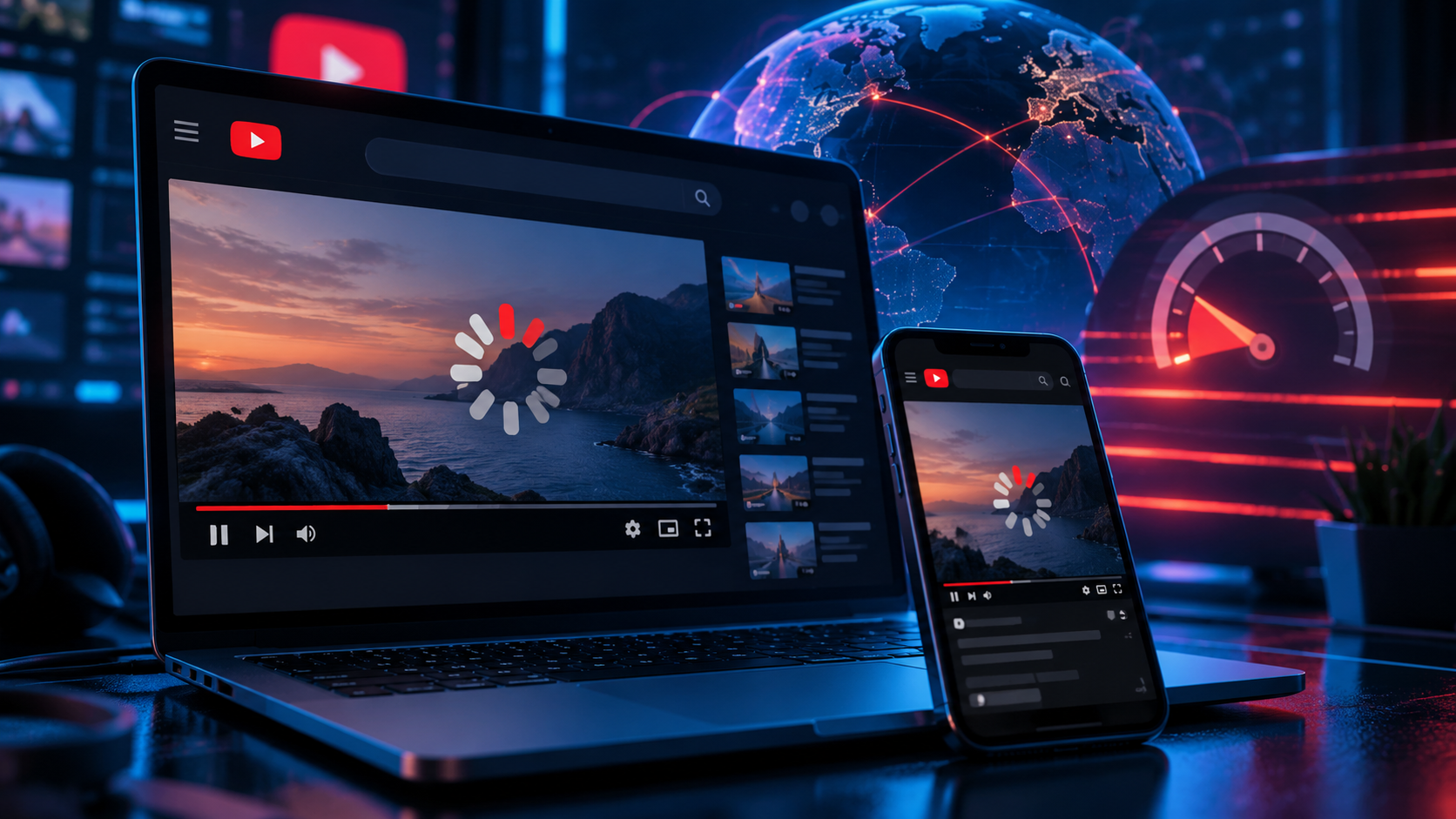
You open a familiar video, the first seconds load and then the picture freezes. Another video behaves exactly the same way. The usual reaction is to blame Wi-Fi, the browser or YouTube itself. But in 2026 the slowdown can also be caused by traffic filtering or deliberate degradation between your device and the service.
The useful part is that the symptoms are different. Once you know what to measure, you can separate a local Wi-Fi problem from a provider-side slowdown and from filtering of particular traffic.
Why YouTube can become slow
There is no single cause. A slow connection can come from your Wi-Fi, a congested provider link, a browser problem, overloaded content delivery infrastructure or traffic filtering. The same symptom — buffering — can therefore have completely different causes.
1. Check whether other services are slow
Open several unrelated sites and run a normal speed test. If everything is slow, start with your local connection. If ordinary websites work normally while YouTube alone struggles, investigate the route and the service-specific traffic.
2. Compare browser and application
Try YouTube in another browser and in the mobile application. If one works and another does not, the problem is more likely to be local software, extensions, DNS or a browser-specific path.
3. Check DNS
DNS does not directly determine video throughput, but a broken or manipulated DNS path can prevent the client from reaching the expected endpoints. Test with another trusted resolver and compare the result.
4. Disable unnecessary browser extensions
Ad blockers, privacy extensions and custom scripts can interfere with video requests. Temporarily disable them and test the same video again.
5. Check the connection over another network
Switch from Wi-Fi to mobile data or from mobile data to a fixed connection. If YouTube immediately changes behavior, you have isolated the problem to a particular access network.
6. Test a VPN
A VPN can change the route and the visible destination address. If YouTube becomes stable through a VPN while the direct connection remains slow, the route or filtering on the original path deserves further investigation.
[Image: comparison of direct YouTube traffic and traffic through a VPN]
7. Use a modern protocol when ordinary VPN traffic is filtered
Not every VPN protocol behaves the same way under traffic inspection. Older or easily recognizable protocols can be degraded or blocked, while modern transports may remain reachable. The exact result depends on the network and should be tested rather than assumed.
8. Configure the router instead of every device
If several devices in the home have the same problem, a router-level configuration can be more convenient than setting up each device separately. This is especially useful for TVs and other devices where VPN applications are limited.
9. Measure before and after
Do not judge the result from one video. Test several videos, resolutions and times of day. Record startup time, buffering frequency and approximate throughput. That makes it much easier to see whether a change actually helped.
How to tell a slowdown from a normal connection problem
| Symptom | Likely direction to investigate |
|---|---|
| Everything is slow | Wi-Fi, router, provider or general congestion |
| Only YouTube is slow | Route, service-specific traffic or filtering |
| Works through VPN but not directly | Routing or filtering on the direct path |
| Works in one browser only | Browser, extension, DNS or local configuration |
What usually makes the biggest difference
Start with diagnosis rather than changing five things at once. If the issue is local, fix the local network. If it follows one provider or access network, compare another route. If a VPN consistently changes the result, the route is an important clue. If ordinary VPN protocols are unreliable, test a modern protocol supported by your provider.
You can also check your current connection and IP before and after changes. For a business or several devices, a router or corporate VPN setup may be easier to manage centrally.
Frequently asked questions
Why is YouTube slow but other websites work?
The cause can be service-specific routing, congestion or traffic filtering. Compare YouTube over another network and through a different route before changing your device.
Can a VPN speed up YouTube?
It can improve the route when the direct path is congested or filtered. It cannot make an inherently slow connection faster in every situation.
Why does YouTube work on mobile data but not Wi-Fi?
The two networks use different routes and policies. The difference is useful for identifying where the problem occurs.